A database client you can point at production.
Browse, query and edit MySQL, PostgreSQL, SQL Server, SQLite and Redis in one window. Written in Rust, so it opens in under a second and installs in 10.6 MB. Then let an AI assistant help, with limits you set per connection and Tabula enforces.
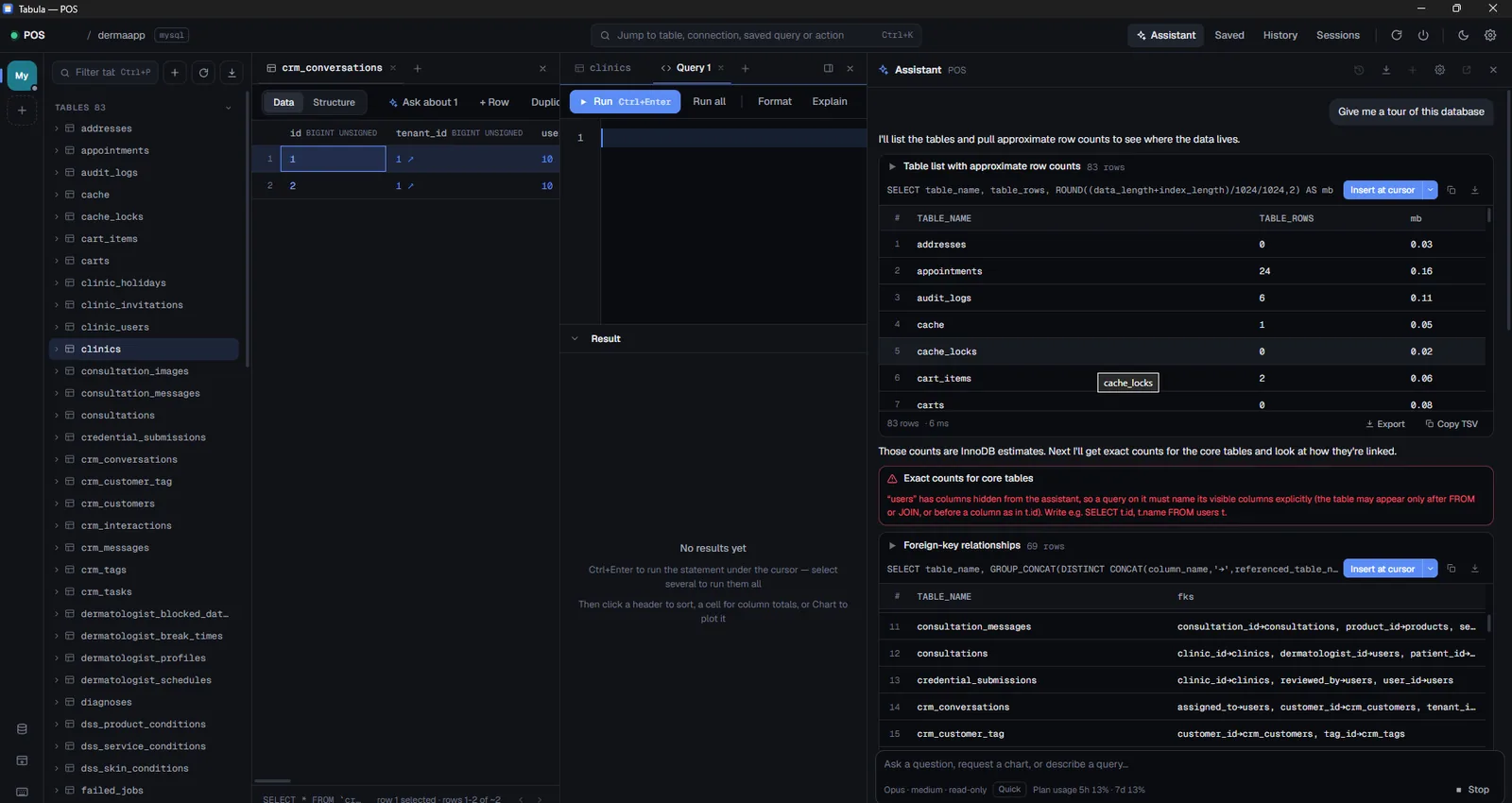
Decide how far the assistant goes.
Every connection carries its own access level. Tabula classifies each statement and checks it in the Rust backend before the database ever sees it, so an agent cannot talk its way past the level you picked. Change the level below and watch what an agent is allowed to run.
At Off the connection is not listed to agents at all. The assistant and any MCP client see nothing: no tables, no columns, no rows.
A connection flagged read-only is capped at Read whatever the level says, and a production connection starts at Off. Anything above a read also needs the agent to ask for it explicitly.
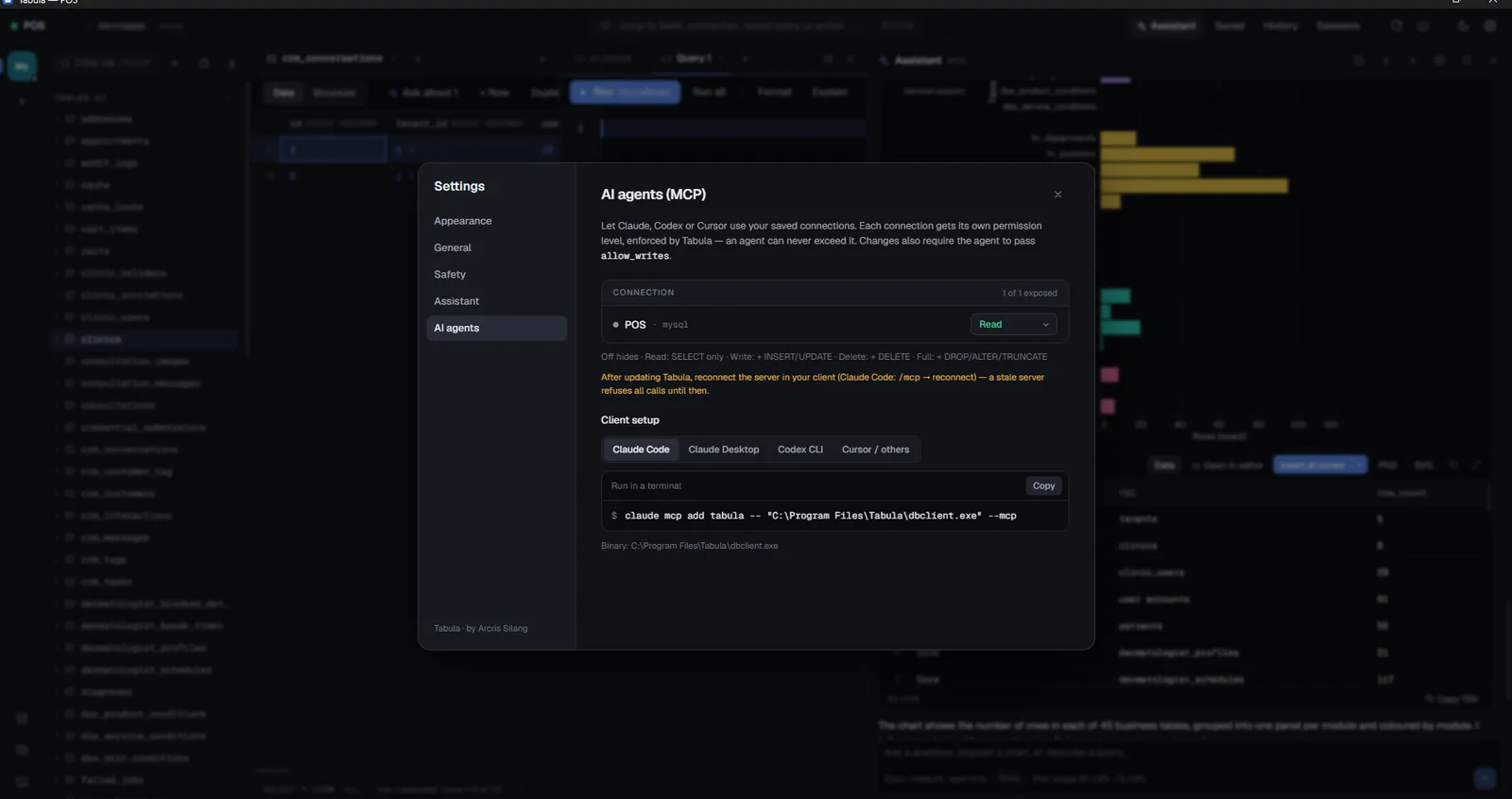
Five engines, one window.
Open several at once and switch between them on the left rail. Each keeps its own tables, query tabs and selection.
| Engine | Paste a URL | TLS | SSH tunnel |
|---|---|---|---|
| MySQL, MariaDB | mysql://, mariadb:// | Verify full | Yes |
| PostgreSQL | postgres:// | Verify full | Yes |
| SQL Server | sqlserver://, ADO.NET, JDBC | Verify CA | Yes |
| SQLite | a file on disk | Not applicable | Not needed |
| Redis | redis://, rediss:// | ACL users | Yes |
Built for the work, not the demo.
Edits you review before they land
Inline edit, insert and delete collect into a changeset. Read the SQL, then commit. Optimistic concurrency catches a row that moved under you.
Queries as files you can commit
Saved queries are plain .sql files in a folder of your choosing, so the library lives in git next to the project it belongs to.
-- name: monthly refundsParameters bound as values
Placeholders bind as typed values instead of being pasted into the text, so a date stays a date and nothing gets concatenated into your SQL.
:start $1 ? @nameNumbers that survive the trip
Sorting compares DECIMAL and BIGINT exactly. Excel export keeps numbers as numbers and dates as dates, and long decimals stay exact.
Read-only that means it
A read-only connection is verified on the server before every statement, not filtered in the app, so a pooler or a reconnect cannot quietly reopen writes.
Charts without leaving the grid
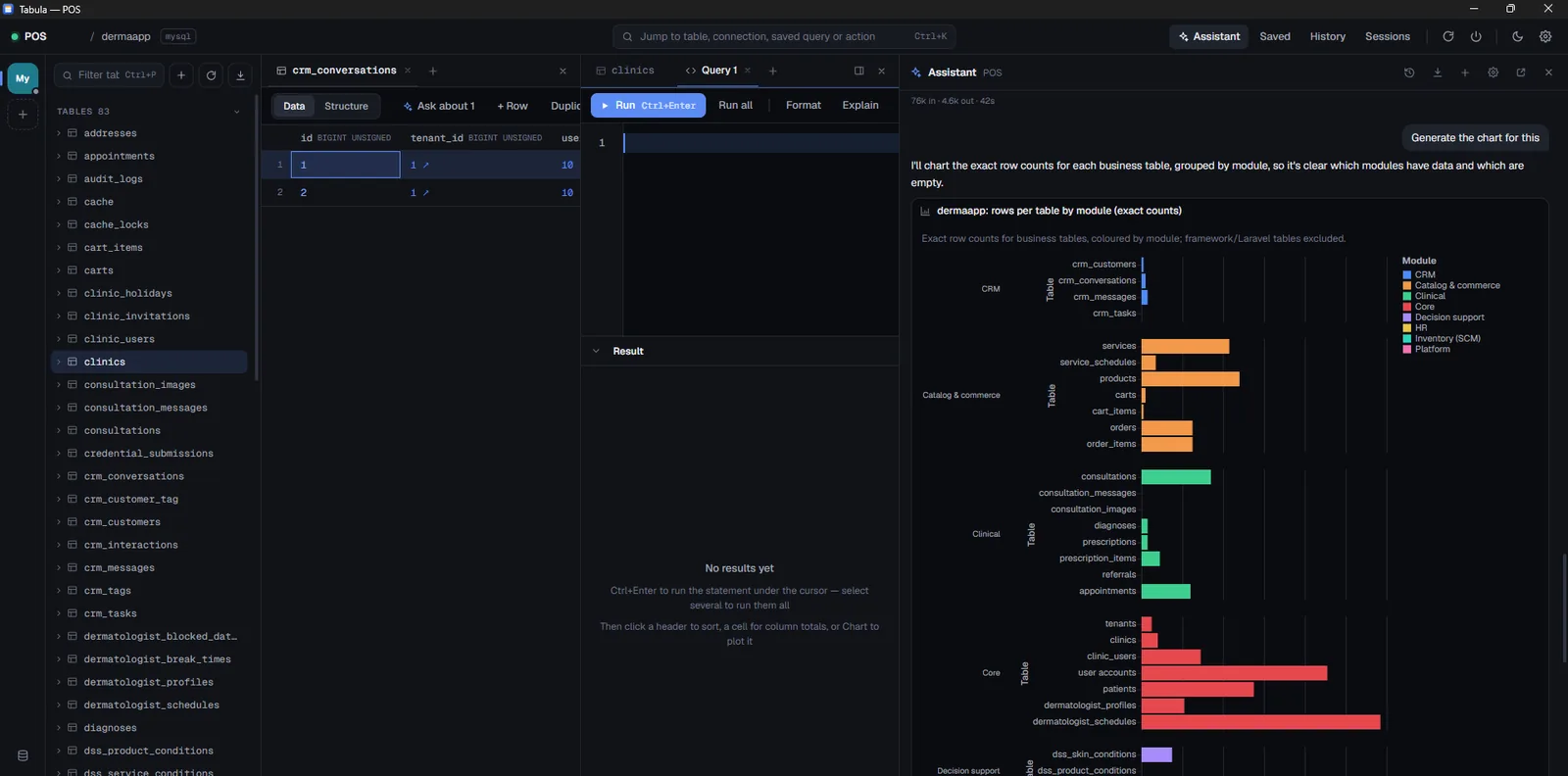
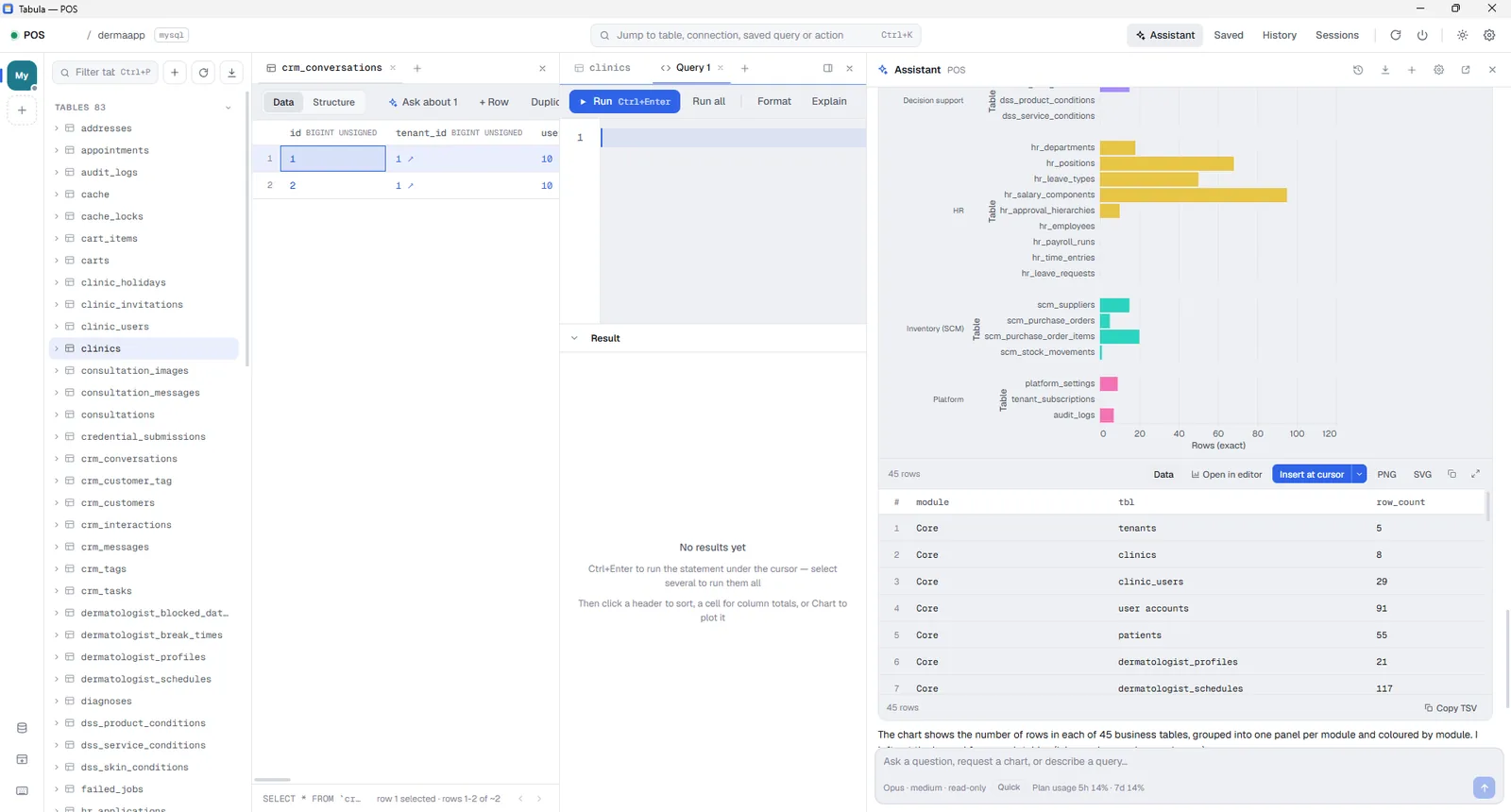
Any result switches to a chart, with a picker for mark, axes and aggregate. Keep the chart beside the query and it reopens in chart view.
Passwords in the OS store
Credentials go to Windows Credential Manager, never into a config file and never into an exported connection.
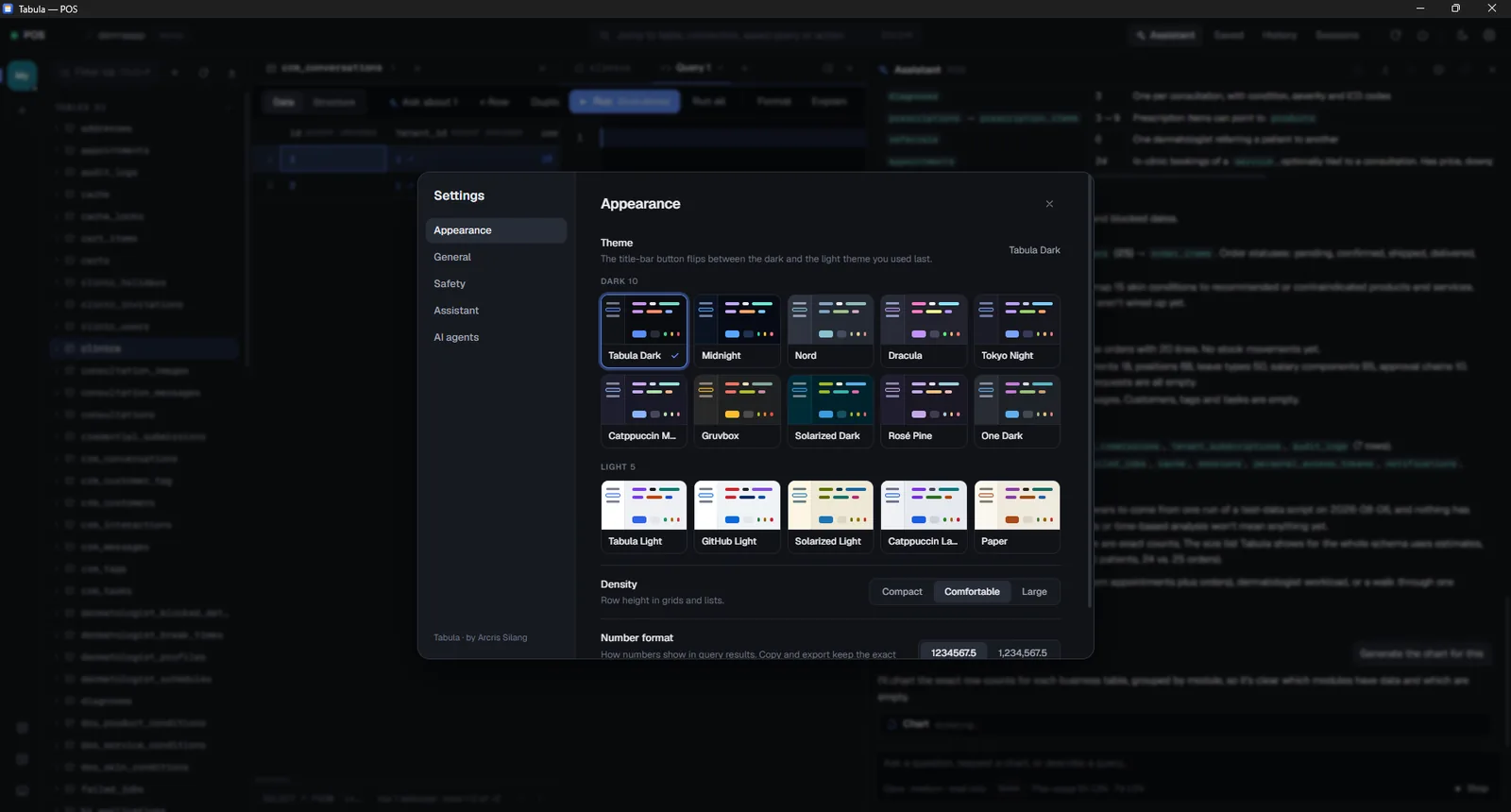
Fifteen themes
Ten dark and five light, including Nord, Dracula, Tokyo Night, Gruvbox and Solarized. The title bar button flips between your last dark and light pick.
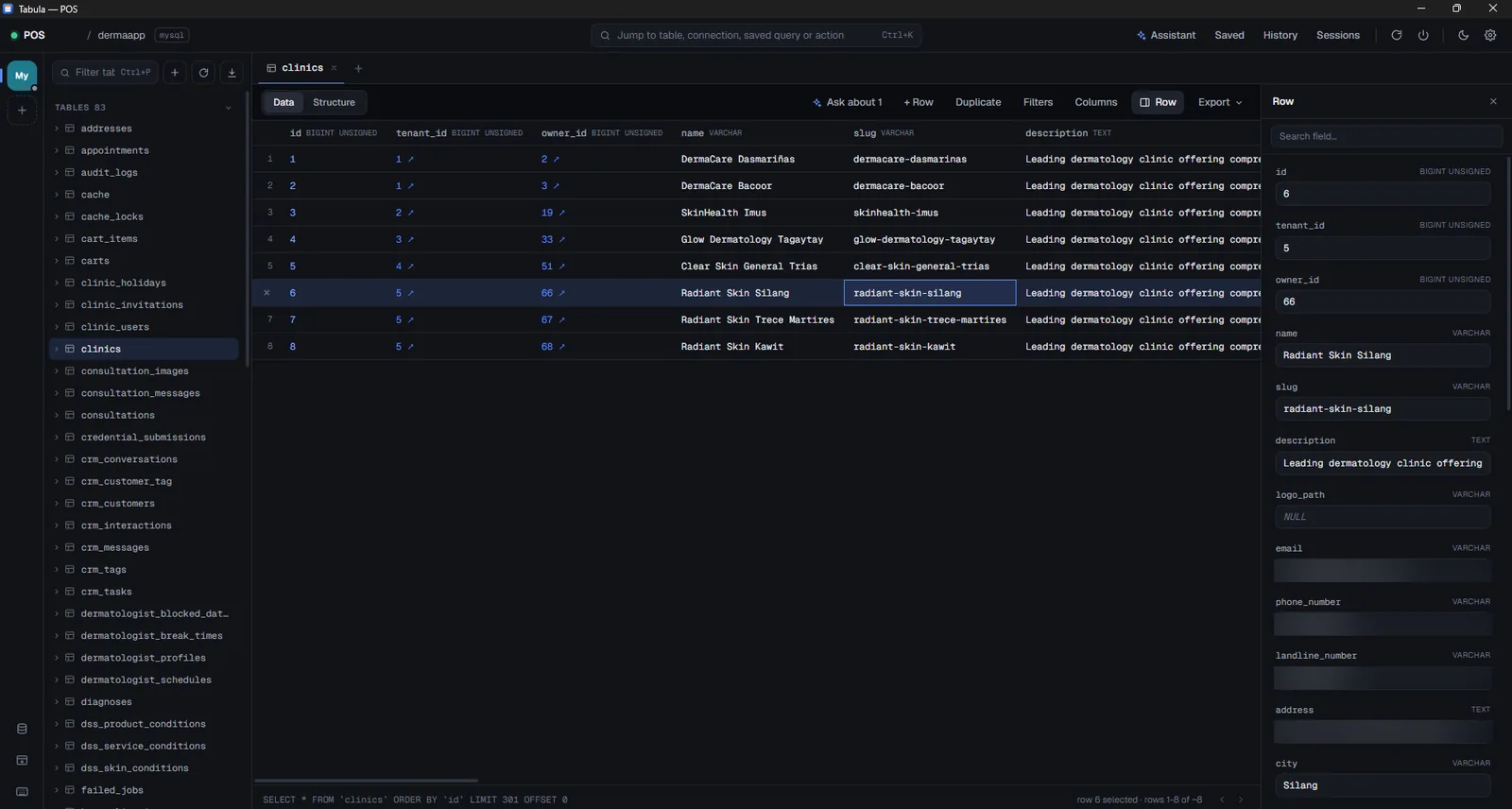
The assistant runs on your machine.
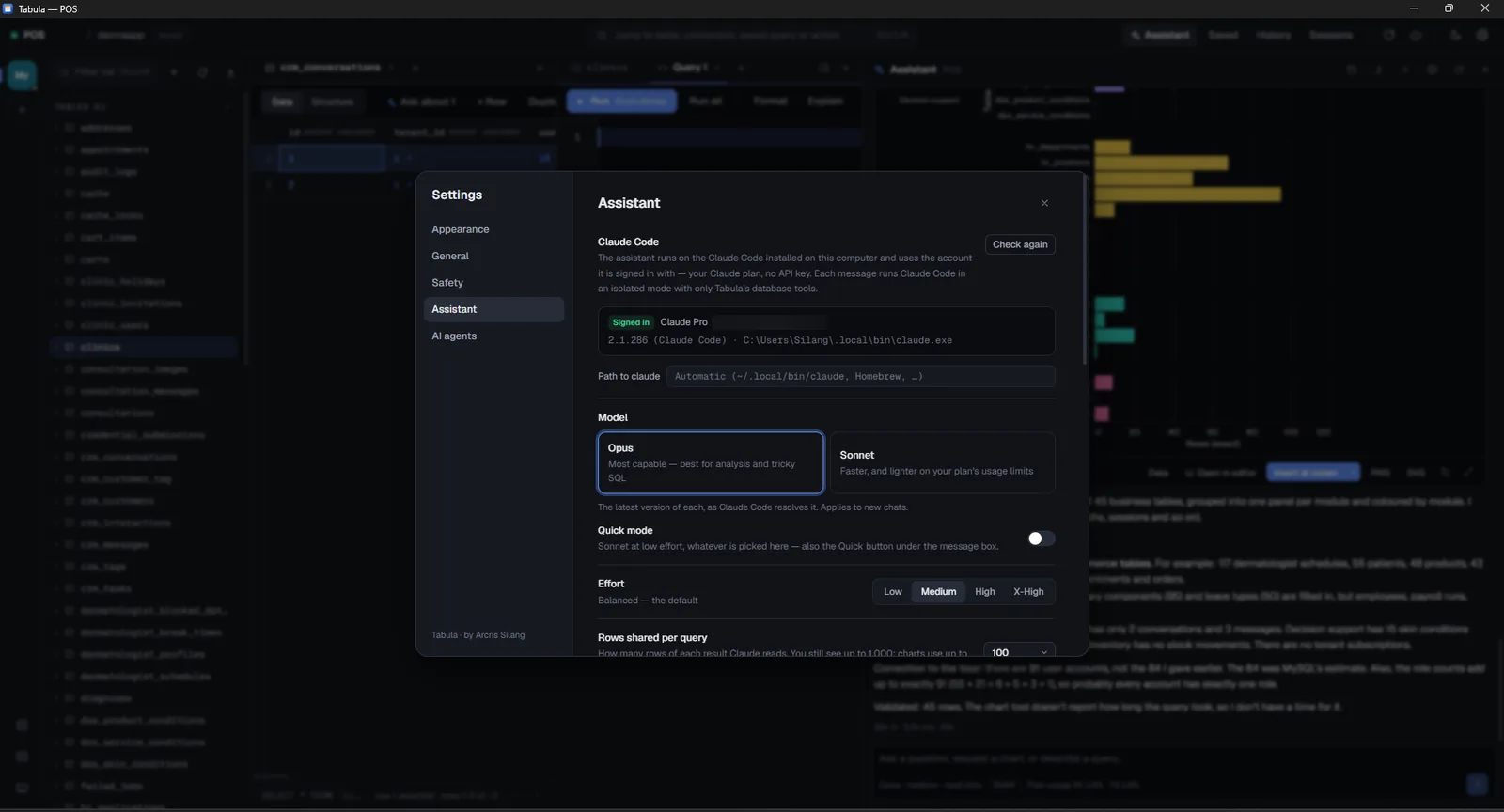
Ask about an error, a query plan, a result or selected rows, and insert the SQL it writes at your cursor. It runs through the Claude Code CLI you already have, on your own sign-in.
Your sign-in, your quota
Tabula starts the Claude Code CLI already installed on your machine. There is no Tabula account and no server in the middle.
Credentials stay put
Passwords and SSH secrets are read from Windows Credential Manager at connect time. They are never copied into a config file for an agent to read.
Reads cannot write
Every read the assistant makes runs inside a read-only transaction that is rolled back, under a time limit, so an exploratory query cannot leave a trace.
Your other tools, same limits
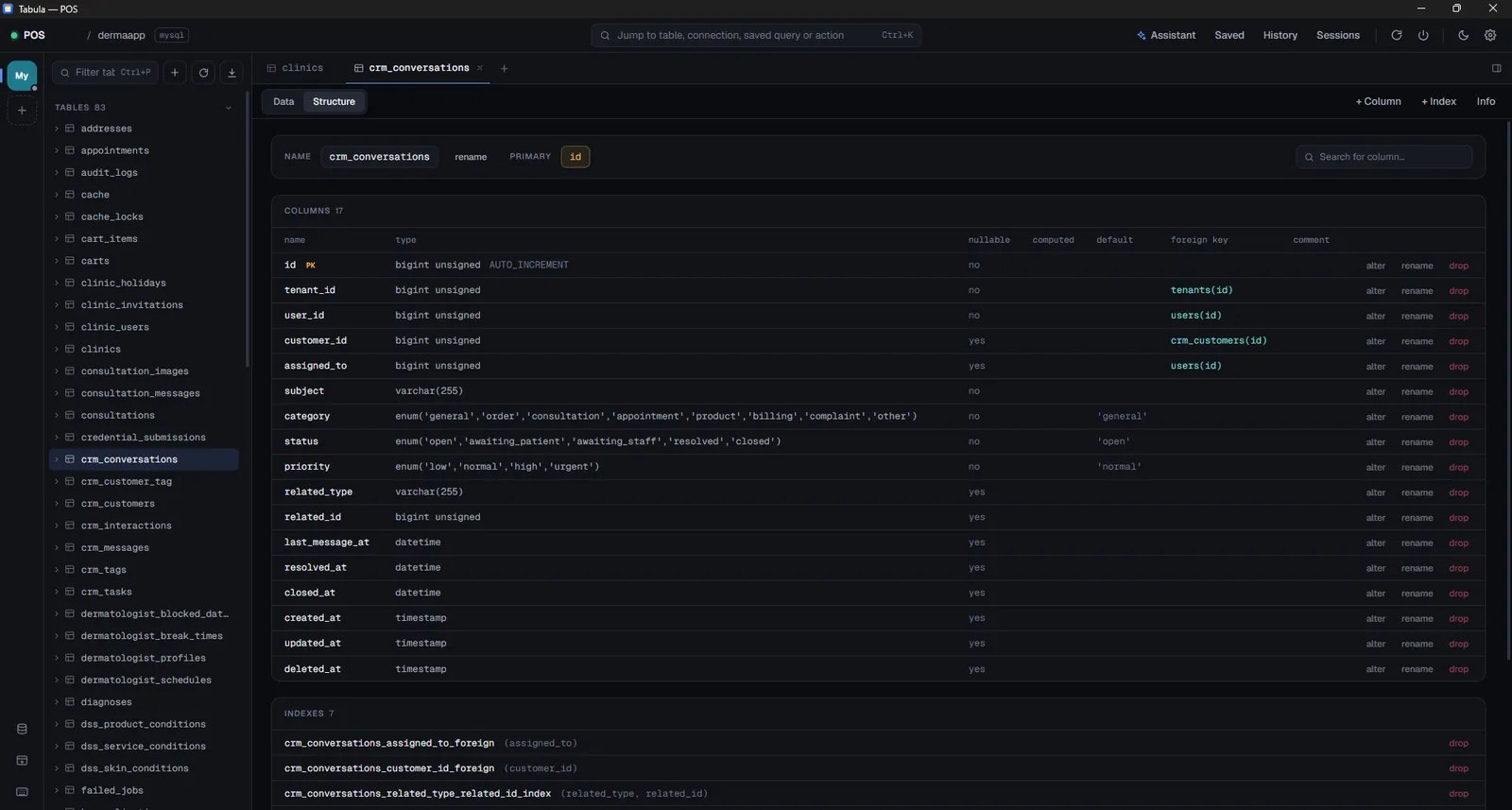
Tabula also runs as an MCP server, so Claude Code, Claude Desktop, Codex and Cursor can use the same connections under the same per-connection levels.
Fifteen themes, dark and light.
Pick one in Settings or from the command palette. The title bar button flips between the last dark and light theme you used.
Download for Windows.
Version 0.2.0 for 64-bit Windows 10 and 11. Pick one of the two installers.
Installs for your user only, so it does not ask for an administrator. Lands in %LOCALAPPDATA%\Tabula.
9cd48aab1c06f8903d036f491481c4caebfefccf88a7352005f6ee59b1299cd3
Installs for every user and needs an administrator. Lands in C:\Program Files\Tabula. Use this one for managed deployments.
049a06db68f452a7da092a4896085a61893f162bdd94678789650b3019865fa8
Check the file before you run it
Compare the hash of what you downloaded against the one listed above. If the two do not match, delete the file and download it again.
Get-FileHash .\Tabula_0.2.0_x64-setup.exe -Algorithm SHA256 | Format-List
Windows will warn you once
Tabula has no code-signing certificate yet, so SmartScreen says it protected your PC. Choose More info, then Run anyway. That is also why the hashes above are worth checking.
Credential Manager asks the first time
The first time Tabula saves or reads a connection password, Windows asks for permission to use its secure store. Approve it. It can ask again after an update.